AI can help you brainstorm, draft, organize and polish your book. But the best books still come from people, and no tool replaces the authors in your corner.
Somewhere on your computer, there may be a folder with a book in it.
Maybe it's three chapters. Maybe it's a detailed outline and a pile of notes. Maybe it's a finished first draft you haven't opened in a year. Whatever it is, it's waiting, and every time you think about it, you feel a little tug of "someday."
I know that feeling well. My first nonprofit leadership book was 58 pages: a short guide built from years of leading nonprofits and volunteer organizations. I knew there was more to say. There were stories I hadn't told, lessons I hadn't unpacked and leaders I wanted to celebrate. But expanding it felt overwhelming.
This year, I finally did it. The new edition runs more than 260 pages. Two kinds of help got me there.
The first was AI. It helped me organize scattered ideas, get unstuck when a chapter stalled and draft the endless marketing pieces a book launch requires.
The second was people: fellow authors, early readers and friends who gave honest feedback, encouragement and the reminder that my stories mattered.
I've come to believe every writer needs both. Here's how AI can help you finish your book, what it can't do for you and how to use it without losing what makes your writing yours.
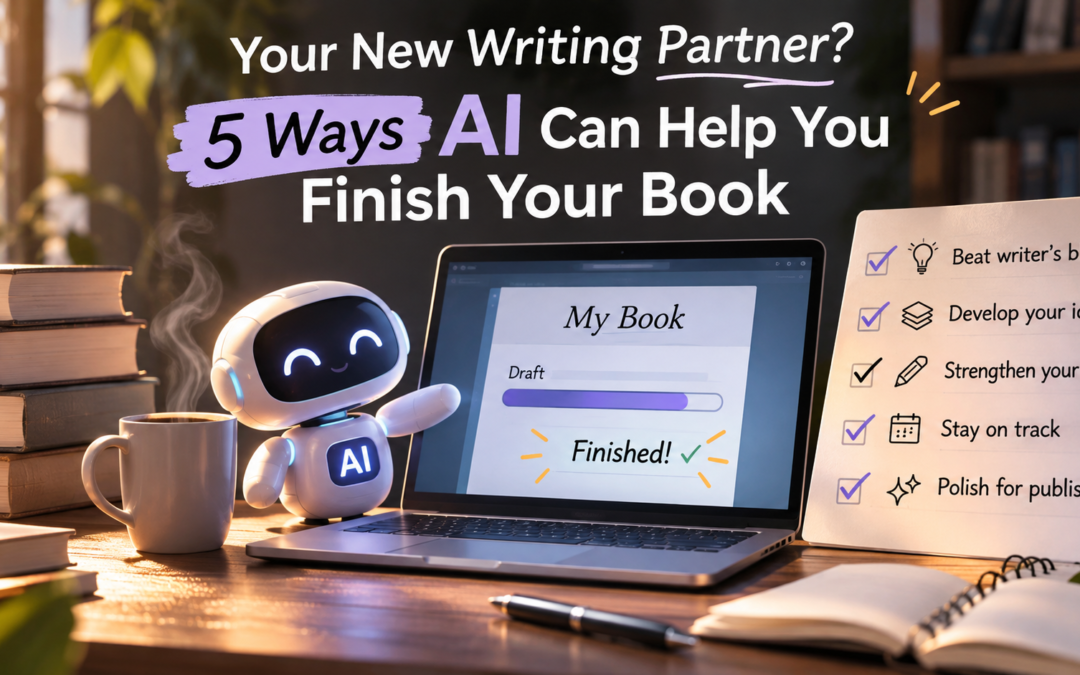
5 ways AI can help you finish your book
1. Brainstorm and shape your ideas
Every book starts as a tangle: a message you care about, a few stories and a vague sense of who it's for. AI is a patient thinking partner for untangling it. It won't get tired of your questions, and it won't judge a half-formed idea.
Describe your book in a few sentences and ask AI to help you see it from new angles. It can suggest chapter themes, point out questions your readers will likely have or help you find the thread that ties your stories together.
The key is to treat its suggestions as a conversation, not a blueprint. Often the most valuable result is the moment you read a suggestion and think, "No, that's not it. It's this." That reaction tells you what your book is really about.
Prompts to try:
- "Here's my book idea: [describe it]. What questions would my ideal reader want answered?"
- "Here are my chapter ideas. Suggest three different ways to organize them."
- "What's missing from this outline for a reader who is [describe your reader]?"
2. Beat the blank page and keep your momentum
The blank page stops more books than a lack of talent ever will. So does the mid-chapter stall, when you know where you're going but can't find the next sentence.
AI can help you get moving. Ask for a rough outline of a chapter, a list of points you might cover or a few possible opening lines. Then close the window and write it yourself. Even a mediocre suggestion can break the logjam, because it's easier to react to something than to start from nothing.
When I was expanding my book, some chapters came easily and others sat untouched for weeks. Asking AI "What's missing here?" or "Where could a personal story strengthen this section?" often reminded me of an experience I had forgotten to include. The stories were always mine. AI just helped me find the gaps where they belonged.
Prompts to try:
- "Here's my chapter so far. What's missing for the reader?"
- "I want to make this point: [point]. Give me five questions that could help me explore it."
- "Where in this section would a personal story help most?"
3. Organize your notes and research
Most writers have ideas scattered everywhere: notebooks, voice memos, sticky notes, old documents and emails to themselves. Pulling it all together can feel like a project of its own.
AI is good at this kind of sorting. Paste in a batch of notes and ask it to group related ideas, summarize long passages or suggest where each piece fits in your outline. It can turn an hour of shuffling into a few minutes.
One important caution: AI can state wrong facts with complete confidence. It may invent statistics, misquote people or cite sources that don't exist. Treat anything factual it gives you as a lead to check, never as a source. If you can't verify it, leave it out.
Prompts to try:
- "Here are my notes. Group them by theme and suggest a chapter for each group."
- "Summarize the main points of this passage in five bullets."
- "Which of these ideas overlap or repeat?"
4. Get feedback and polish your drafts
Before you hand your manuscript to human readers, AI can give it a first pass. It can point out unclear passages, repeated words, sentences that run too long, places where the pacing drags and inconsistencies between chapters.
That matters because your beta readers' time is precious. When AI catches the small stuff first, your human readers can focus on the big questions: Does this move me? Does it make sense? Would I recommend it?
Remember that you're the author. AI's suggestions are options, not rules, and it will sometimes "fix" a sentence by sanding off exactly what made it yours. Accept what makes the writing clearer. Reject what makes it sound like someone else.
Prompts to try:
- "Point out any sentences in this chapter that are confusing or too long. Don't rewrite them."
- "Which words or phrases do I repeat too often?"
- "Where does the pacing slow down in this section?"
5. Handle the publishing and marketing tasks
For many authors, finishing the manuscript is only half the work. Then come the book description, back-cover copy, author bio, keywords, categories, social media posts, newsletter emails, launch plans and outreach messages.
AI can draft starting points for all of these. That saves hours you can spend on writing your next book or connecting with readers. I used AI this way during my own launch, to draft posts and outreach messages, and then edited each one until it sounded like me.
Prompts to try:
- "Write three versions of a 150-word book description for [book], aimed at [reader]."
- "Suggest ten keywords readers might use to find a book about [topic]."
- "Draft a warm, short message inviting early readers to review my book."
What AI can't replace: each other
For all it can do, AI is an assistant, not a collaborator in the full sense of the word. It can process your words, but it can't care about them. That's where fellow authors come in.
Real reader reactions. AI can tell you a sentence is confusing. Only a person can tell you a story made them cry, or that a chapter changed how they'll lead their team on Monday. When my early readers responded to the new stories in my book, their reactions shaped what I kept, cut and expanded more than any tool could.
Encouragement. No AI will notice when you go quiet for a month. No tool will celebrate when you finally finish chapter ten. Writing is often lonely, and the people who check on you are often the reason you keep going.
Shared launches. AI can write your launch post. Fellow authors share it with their readers, recommend your book in their newsletters and show up on launch day. Visibility built on relationships lasts longer than any algorithm.
Lived experience. Every author in your circle brings their own stories, mistakes and wins. Their hard-won lessons about editing, publishing and marketing come from having actually done it, not from patterns in data.
Accountability. A writing partner expecting your pages on Friday is more motivating than any prompt. Commitment to another person gets books finished.
My rule of thumb is simple: use AI for the tasks, and each other for everything else.
Using AI wisely
AI is a tool, and like any tool, it works best when you know the rules and keep your hands on the wheel.
Know the difference between AI-assisted and AI-generated. If you publish on Amazon KDP, you must disclose AI-generated text, images (including covers) and translations, even if you edited them heavily afterward. AI-assisted work, meaning brainstorming, editing or grammar help on words you wrote yourself, doesn't need to be disclosed. Amazon stepped up enforcement in 2026, and undisclosed AI-generated books can be removed without warning. (The Bookseller, Writeo)
Protect your copyright. The U.S. Copyright Office's January 2025 report says copyright requires human authorship, so text generated entirely by AI can't be copyrighted. Using AI to assist your own writing doesn't weaken your protection, but prompts alone generally don't make you the author of what AI produces. The more of the final words that are truly yours, the stronger your claim. (Skadden, Hogan Lovells)
Collaborating? Agree on AI up front. In co-written books and anthologies, one contributor's AI use affects the whole book's disclosure and copyright. Before you start, agree on what's allowed, how it will be disclosed and who checks.
Check every fact. Verify every statistic, quote and source against the original before you publish.
Keep your voice. Readers come for your stories and the way you tell them. Use AI suggestions as raw material, then rewrite them in your own words. If a passage doesn't sound like you, it isn't finished.
Guard your work. Read the privacy settings of any AI tool before pasting in unpublished chapters, especially if the tool may use your content to train future models.
I'm not a lawyer, and platform rules change, so check KDP's current content guidelines before you publish.
Your book, your voice, your people
AI can't live your life, feel what you felt or tell your stories the way only you can. What it can do is clear the clutter, break the logjam and give you back time for the part that matters most: writing the book only you can write.
And when the tools have done their part, lean on the people around you. Share your pages, ask for feedback, celebrate each other's wins and show up for each other's launches. That's how books get finished, and how authors keep going.
If your manuscript has been waiting in that folder, maybe this is the season to finish it, with a little help from AI and a lot of help from each other.
Let's talk
- Do you use AI in your writing? If so, how?
- Have you used AI in a collaborative project, such as co-writing, an anthology or a shared launch? How did you handle it?
- What can fellow authors give you that AI never can?
- Where do you draw the line between help and handing over your voice?
- Should co-authors agree on AI rules before they start? What would yours be?
Share your experience in the comments, whether you love AI, avoid it or are still deciding. That's what collaboration is for.
Resources to help you get started
Ready to explore AI for your own writing? Here are some resources found in our resource library
- AI Prompts Selling Books
- AI Prompts for NonFiction Authors
- AI Prompts for Fiction Authors
- The AI Author One-Sheet Builder
Sources
- Amazon revises KDP guidelines to compel disclosure of AI content, The Bookseller
- Amazon is actually enforcing its AI disclosure rule now, Writeo
- Copyright Office publishes report on copyrightability of AI-generated materials, Skadden
- US Copyright Office issues report on copyrightability of AI-assisted and generated works, Hogan Lovells